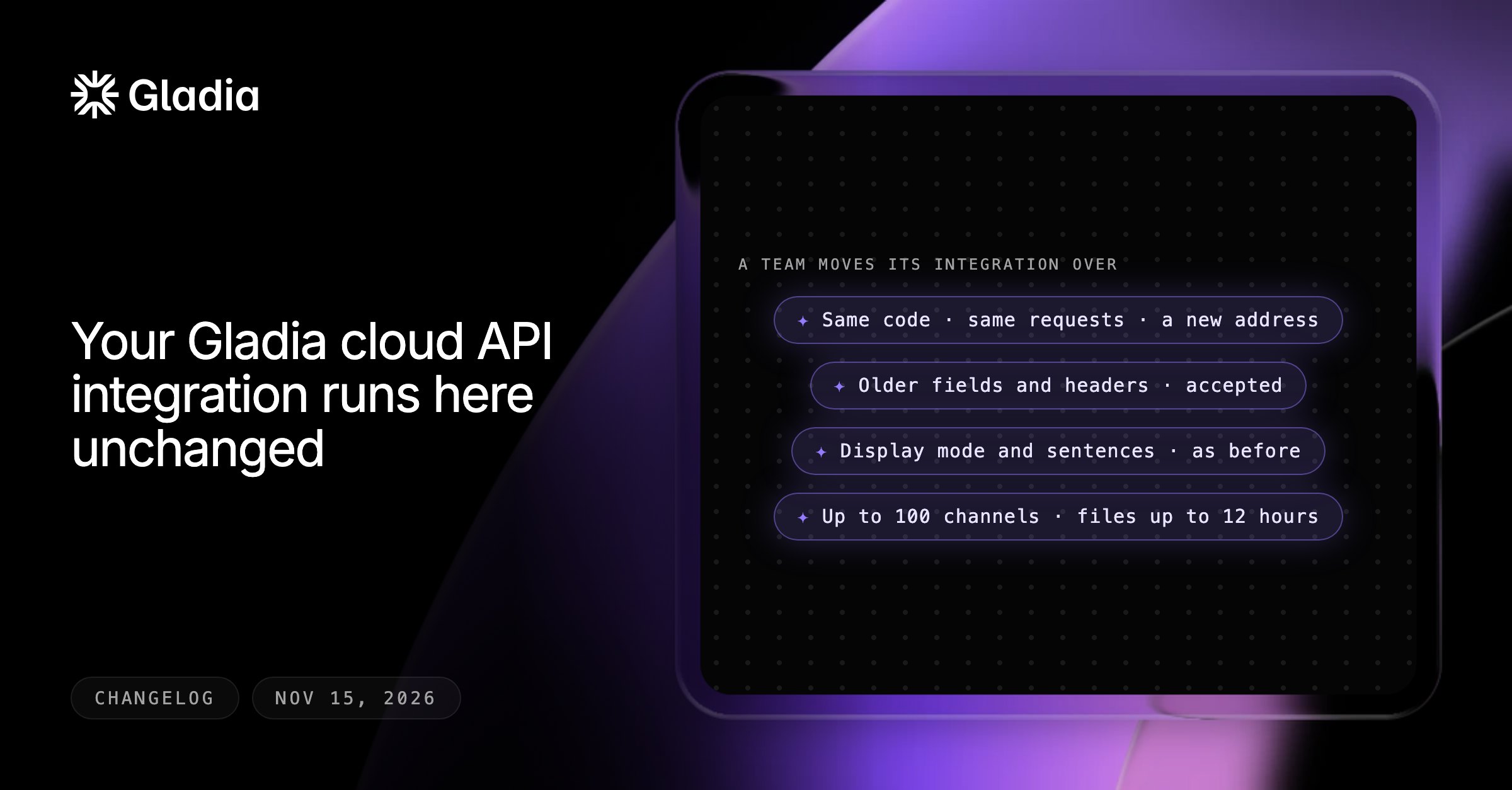
Moving from Gladia's cloud API is now a matter of changing an address. The requests your code already sends are accepted as they are: the x-api-key header, the older language fields, uploads by URL, up to 100 live channels, files up to 12 hours on plans that need them. The results read the same too: display mode, full sentences with their words, the diarization block, post-session metadata, and live sessions listed with your jobs.
Cap a live session's lengthSet max_session_duration_s when you create a session, and it ends cleanly at that point, below your workspace's own limit.
↑ Improved 3
Nothing lost on a reconnectionA live session that drops and resumes keeps every final, including the one in flight when the connection broke.
No silent waitsA live session that names its model starts at once on a model that is ready when its own is still waking up, and any wait is reported to your client as it happens.
Mistyped options caught at onceAn unknown entity type in a live session's options is refused when the session is created, with the option and the type it did not recognize.
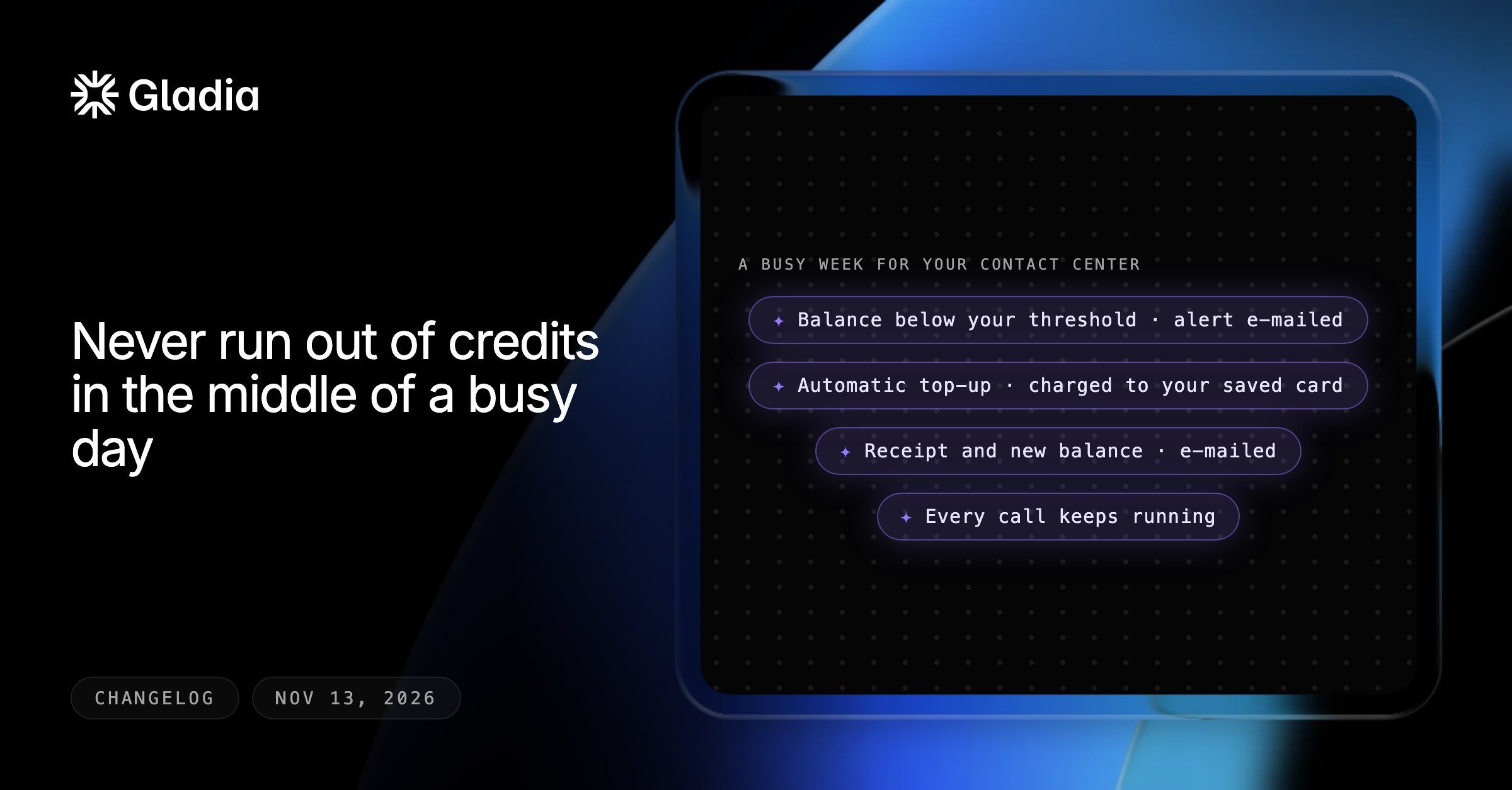
Billing in Gladia Workspace now takes care of itself. Save a card, then turn on automatic top-up: when your balance falls below the threshold you set, credits are added on that card. Prefer to decide yourself? Set a low-balance alert and get one e-mail when it is time to add credits. You can also redeem a coupon code, and the Billing page now opens on your balance and how many days it lasts at your current pace.
Also in this update
↑ Improved 4
Quiet voices are heardLive transcription now picks up speech recorded at a very low level, such as a distant microphone or a voice message.
The language each sentence was spoken inIn automatic language mode, every live final reports the language the speech itself was detected in, including less common ones.
Live sessions ride through server changesWhen capacity goes down or a server restarts, your session moves without a break, and its transcript is back on time within seconds.
Unsupported translations caught up frontA pre-recorded job asking for a translation that is not offered is refused before you send a file, with the list of languages that are.
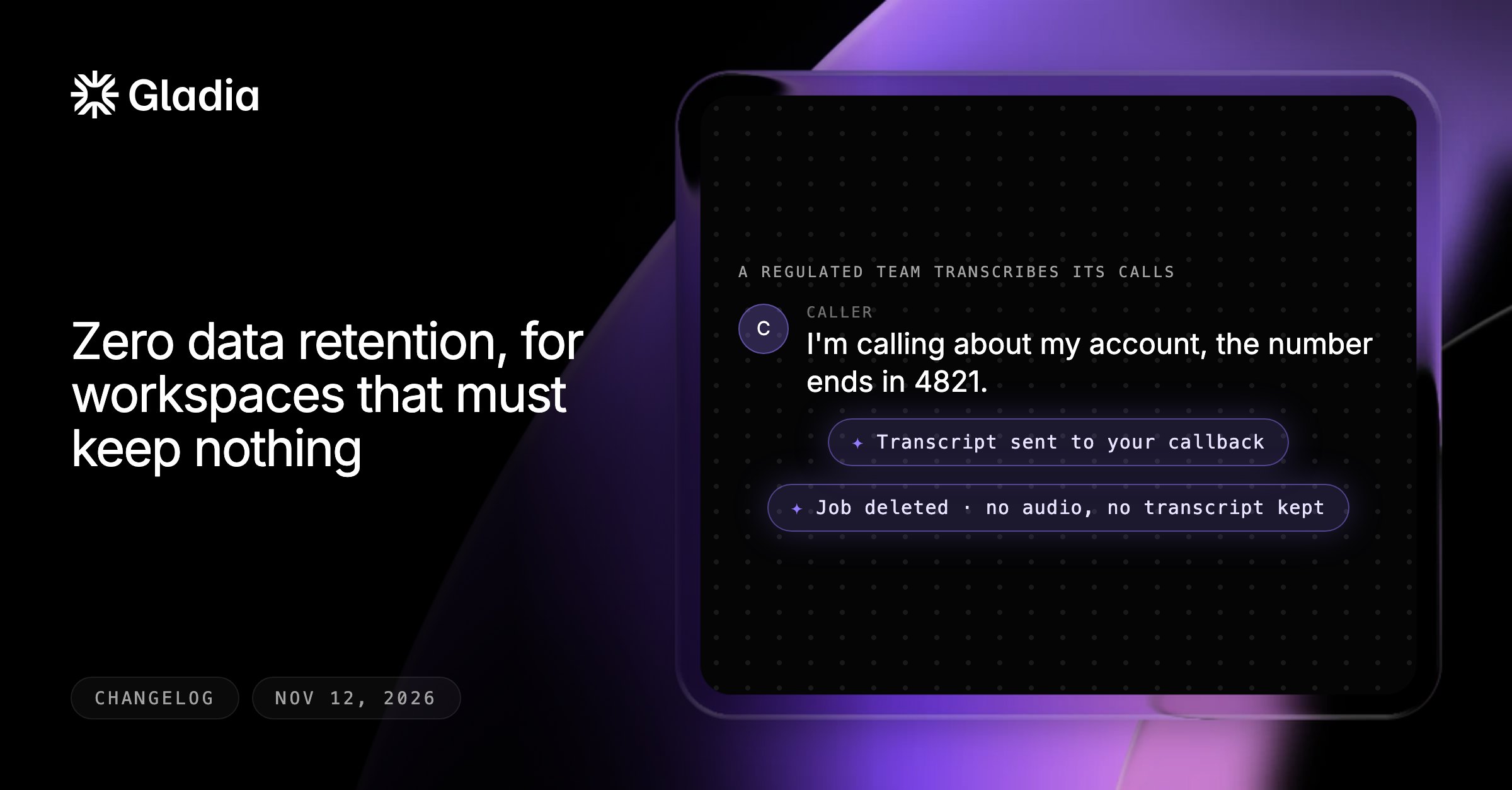
Banks, insurers, healthcare providers and public services often may not let a third party keep their customers' voices or words, not even for a day. A transcription history, a stored recording or a forgotten upload is exactly what their security review refuses.
How Gladia solves it
Zero data retention is now a setting of your workspace. Once it is on, Gladia Enterprise keeps none of your audio and none of your transcripts. Live sessions record nothing and store no transcript: you read the results from the session's messages and its callback. Every pre-recorded job delivers its result to your callback, then the whole job is deleted. Only usage counters remain, and they hold no audio and no text.
Compared with the usual approach
Speech APIs usually keep data for a retention period, then delete it, and ask you to trust the schedule. With zero data retention there is no period: nothing is written in the first place, and the API itself refuses what would store data, such as an upload or a job without a callback.
In use
An insurer transcribes its claims calls. Each recording is fetched from a signed link on the insurer's storage, the transcript arrives on its callback a moment later, and when its security team checks, the job no longer exists on our side.
How to use it
Ask your Gladia contact to turn on Zero data retention for your workspace.
Send pre-recorded jobs with an audio_url your storage serves, and a callback.
Read live results from the WebSocket or the callback, as they arrive.
Press play: hear the call and watch Gladia transcribe it.
Caller
This is the third time I've called about this, and nothing has changed.
Agent
I'm really sorry about that. Let me fix it for you right now.
Caller
Thank you. That would be great.
✦ Sentiment: negative · read from the words only
✦ Sentiment: positive
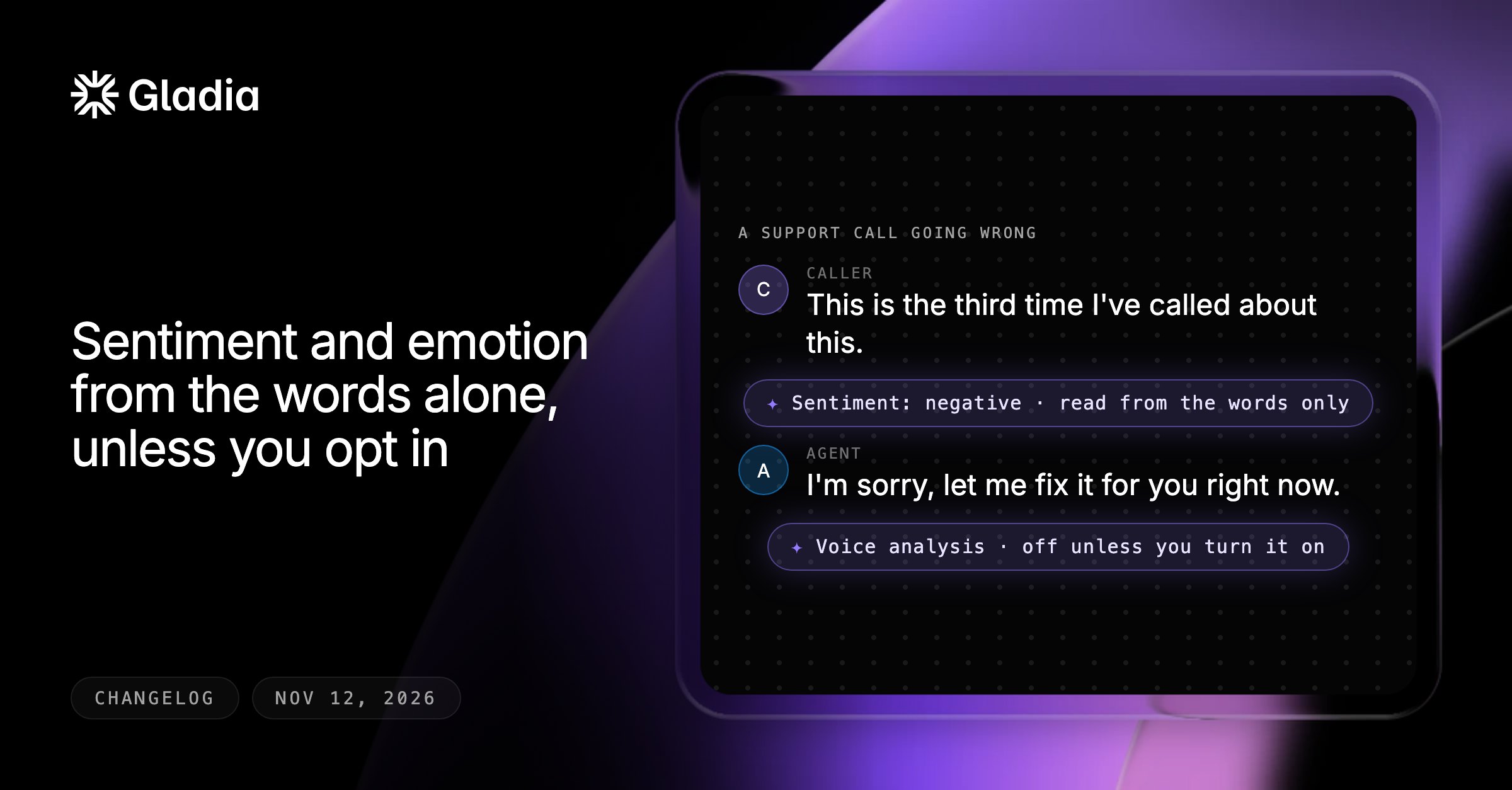
Sentiment and emotion analysis now read what is said, not how it sounds, by default: emotion recognition from the voice is a sensitive category under the EU AI Act and the GDPR. When your use case allows it, turn on use_audio to add the voice to the analysis, and voice_profiler for age and gender, each on its own.
M4A, MP4 and MOV filesPre-recorded jobs accept recordings straight from phones and browsers, and a file is now judged by its content, not by its name: a file with an odd or missing extension transcribes when its format is supported.
Watch your own queueGET /v2/queue/monitoring shows, for your API key, the jobs waiting and running, your live sessions and how fast their transcripts arrive.
Delete your account yourselfFrom your Profile in Gladia Workspace, with no request to support.
Your history, easier to work withFilter the Sessions page by dates, API key or member, and download each translation of a session as its own subtitles or text.
↑ Improved 3
Better translations of everyday conversationLive and pre-recorded translation use a new model, more accurate on spontaneous speech.
Numbers read as numbers"20 thirteen" is now written 2013 and "25 hundred" 2500, while a phone number keeps its digits.
Custom vocabulary that leaves common words aloneYour terms are found where they are said, without replacing everyday words that only sound a little like them.
! Before you upgrade 1
Voice analysis is now opt-inIf your live sessions used the voice for sentiment or emotion along with speaker attributes, add "use_audio": true to sentiment_analysis or emotion_analysis to keep it.
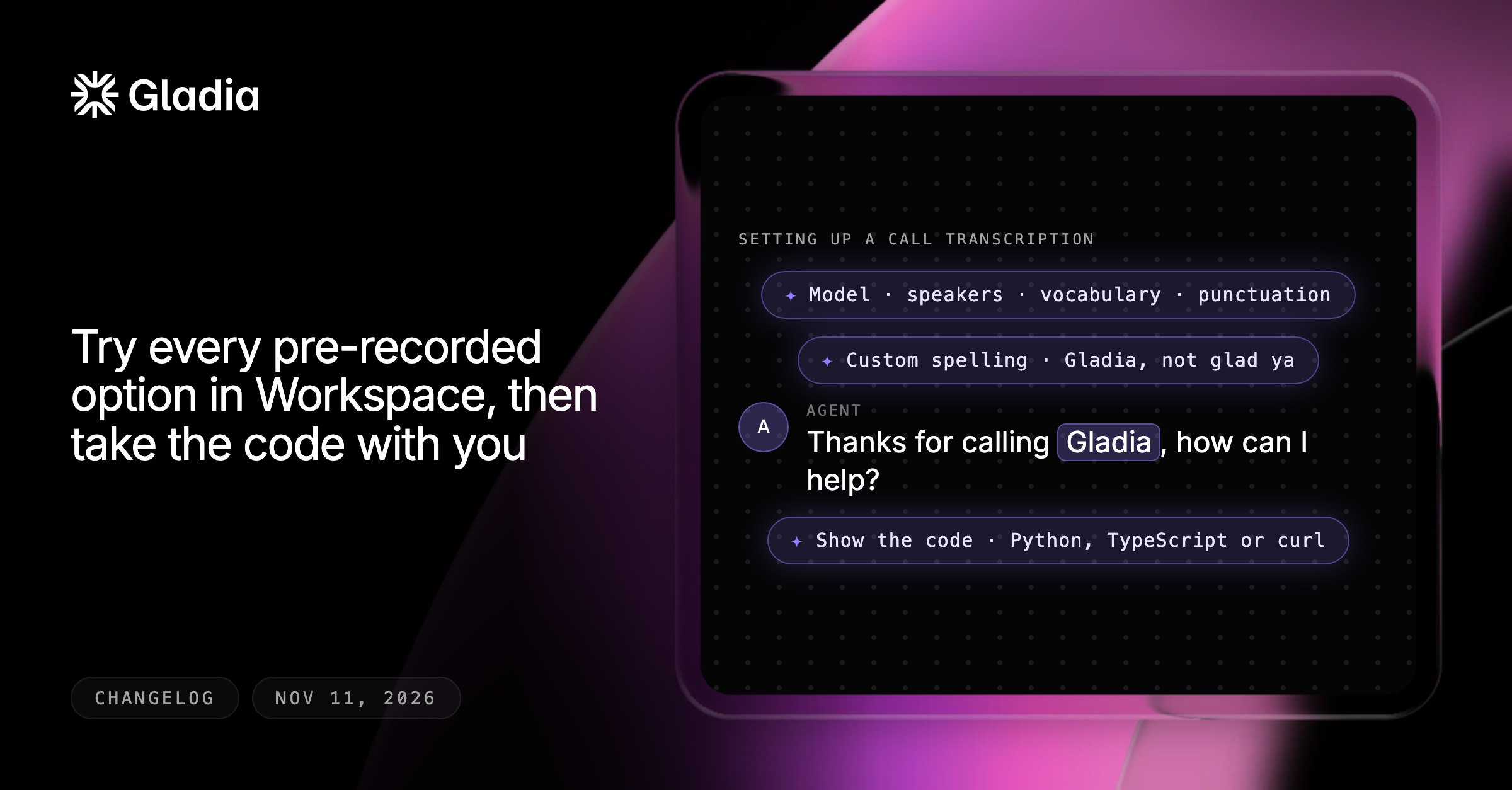
The pre-recorded playground in Gladia Workspace now has the options you ask us about most: choose the model, set how many speakers to expect, add your own vocabulary and spellings, and turn on enhanced punctuation. When the transcript looks right, open "Show the code": you get the very job you just ran as a Python, TypeScript or curl program, ready to paste into your application.
Also in this update
✦ New 1
Usage, over any dates you chooseThe Usage page takes a custom range of days, up to a year, and charts it at the granularity you pick, from hourly to yearly.
↑ Improved 2
Your audio stays in the region you ask forA live session that names a region its address does not serve is refused with a message naming the right one, so no audio is ever processed elsewhere.
Word timings that follow the speechIn pre-recorded transcripts, a word no longer stretches over the silence after it, and short words and numbers get a realistic duration: subtitles and word-level exports line up better with what is heard.
! Before you upgrade 1
More speakers than can be told apart is an explicit refusalA pre-recorded job asking with max_speakers for more speakers than diarization can separate now fails with a clear error, as number_of_speakers already did, instead of quietly lowering the count. Send at most the limit, or leave the field out.
Press play: hear the call and watch Gladia transcribe it.
Paul
I'll send the contract to Catherine tonight.
Lena
Perfect. Catherine already reviewed the draft this morning.
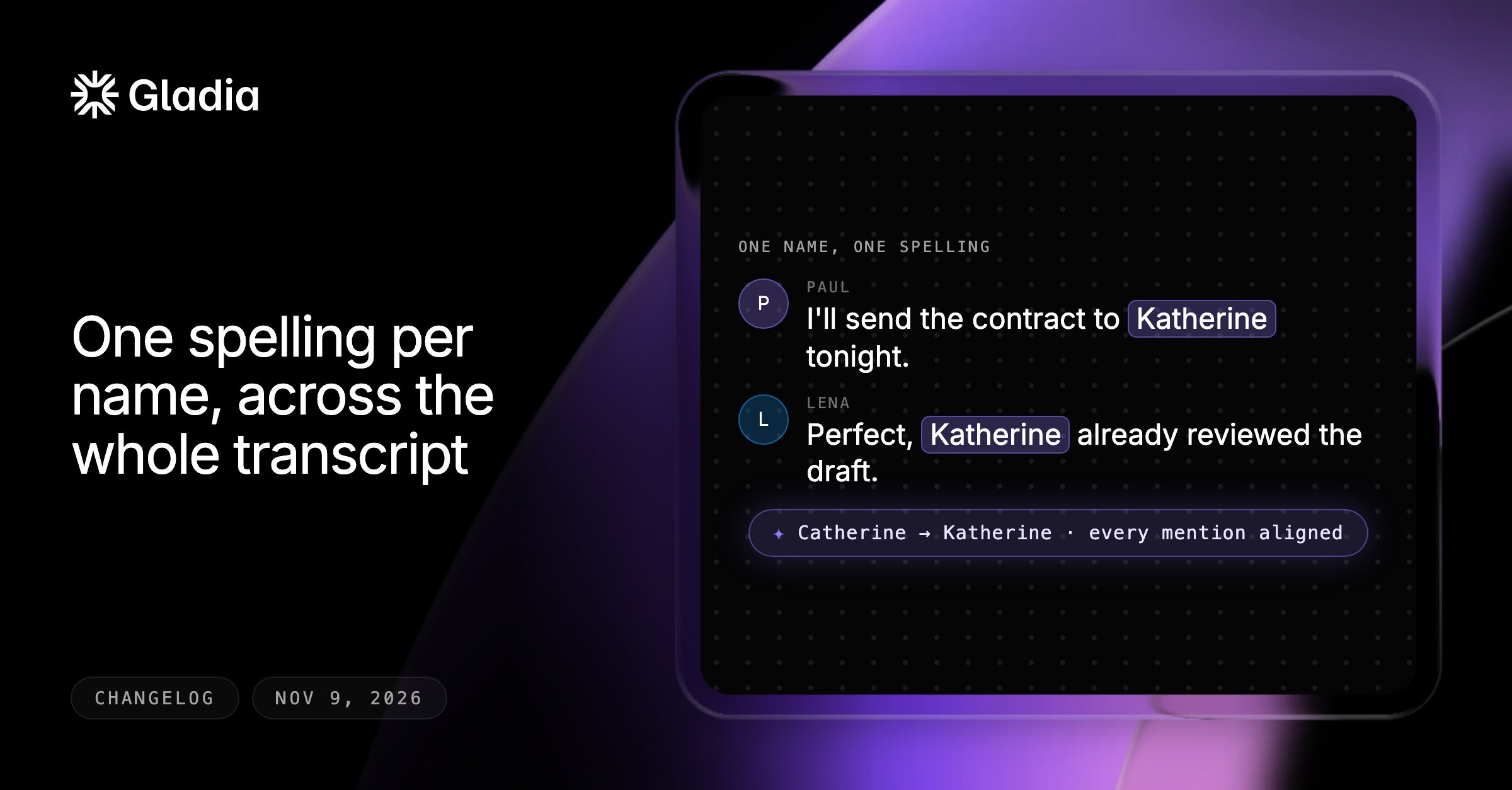
✦ Every mention of the name, spelled one way
A name heard twice can be transcribed two ways: Catherine here, Katherine there. With name_consistency, a pre-recorded job writes each name the way it was heard most often, in the text, the words, the sentences and the subtitles, and lists every spelling it changed.
Alternative namesLive named entity recognition can return the names that sound the same, ranked by probability, in 37 languages, so a voice agent can confirm the right spelling.
Instant re-runsSend the same uploaded file again with the same options and get its result at once, at no charge.
Sign in with GoogleMembers can sign in to Gladia Workspace with Google, whether they joined by invitation or single sign-on, with two-factor authentication still enforced.
↑ Improved 1
The limits you knowPre-recorded jobs follow the same rate, queue and audio length limits as Gladia's cloud API, with the same messages, and each workspace can have its own.
Press play: hear the call and watch Gladia transcribe it.
Alex
So, we agree on Thursday at ten.
Sam
Yes, Thursday at ten works perfectly for me.
✦ End of turn · your agent can answer
✦ Sentiment: positive
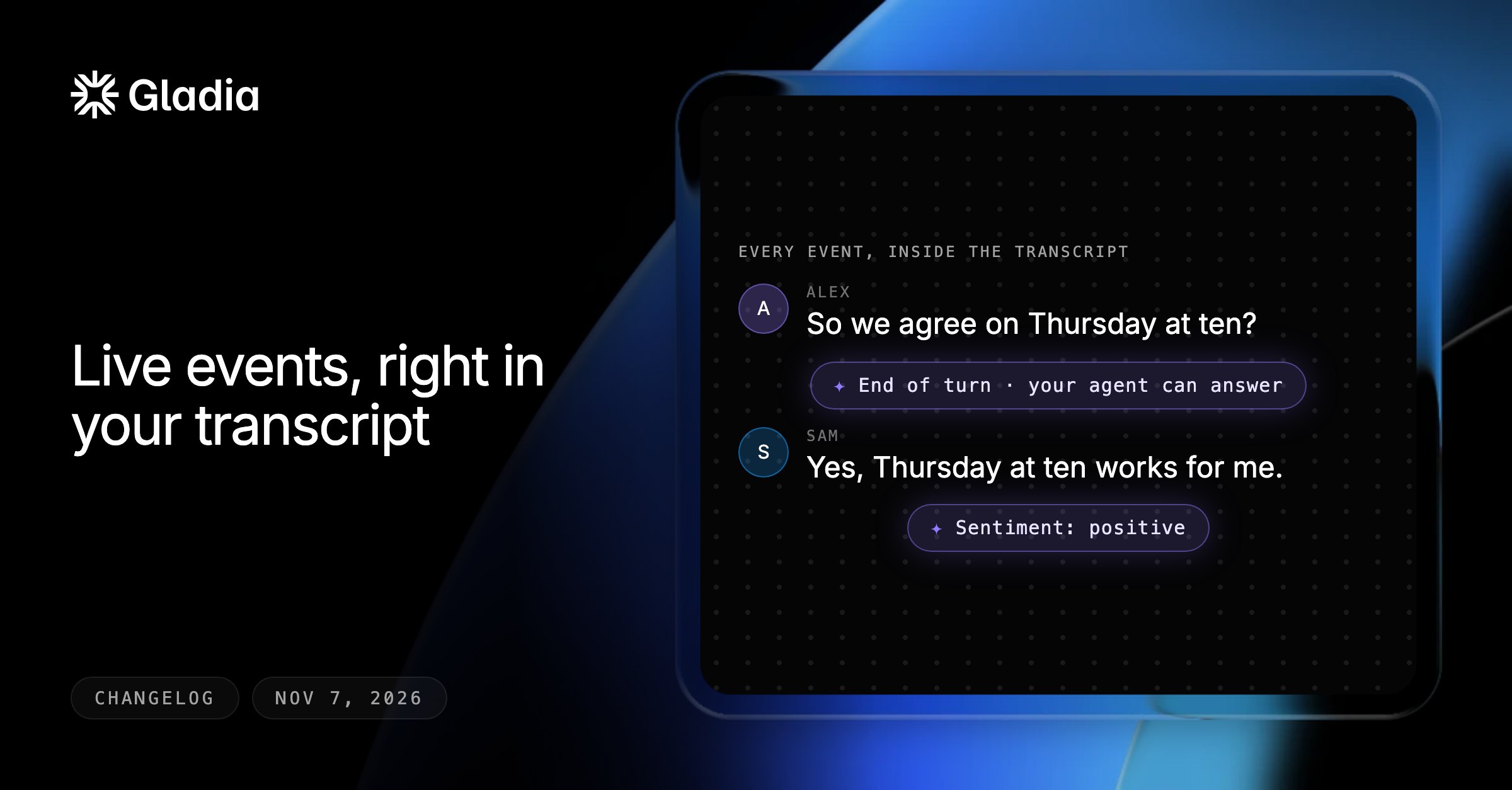
Some clients only read text: captioning tools, LLM agents, simple integrations. With xml_events, end of turn, translation, entities, sentiment and other live events arrive as short XML tags in the transcript itself, so every event reaches them without a single extra message type to handle.
Every speaker on their own lineWhen one person stops and another answers, or two people speak within one sentence, each speaker gets their own final and their own line in the console's transcript and its SRT, VTT and text exports.
Names spelled right in every translationPeople, company and product names, including those in your custom vocabulary, are written in every translation exactly as the transcript spells them.
Transcripts you never loseA live session that drops keeps every final in GET /v2/live/{id}, whether it never comes back or reconnects and runs on for hours.
Press play: hear the call and watch Gladia transcribe it.
Agent
Let me check that for you. One moment, please.
Agent
Thanks for waiting. Your order ships today.
Customer
Great! Thank you so much.
✦ On hold · session kept open
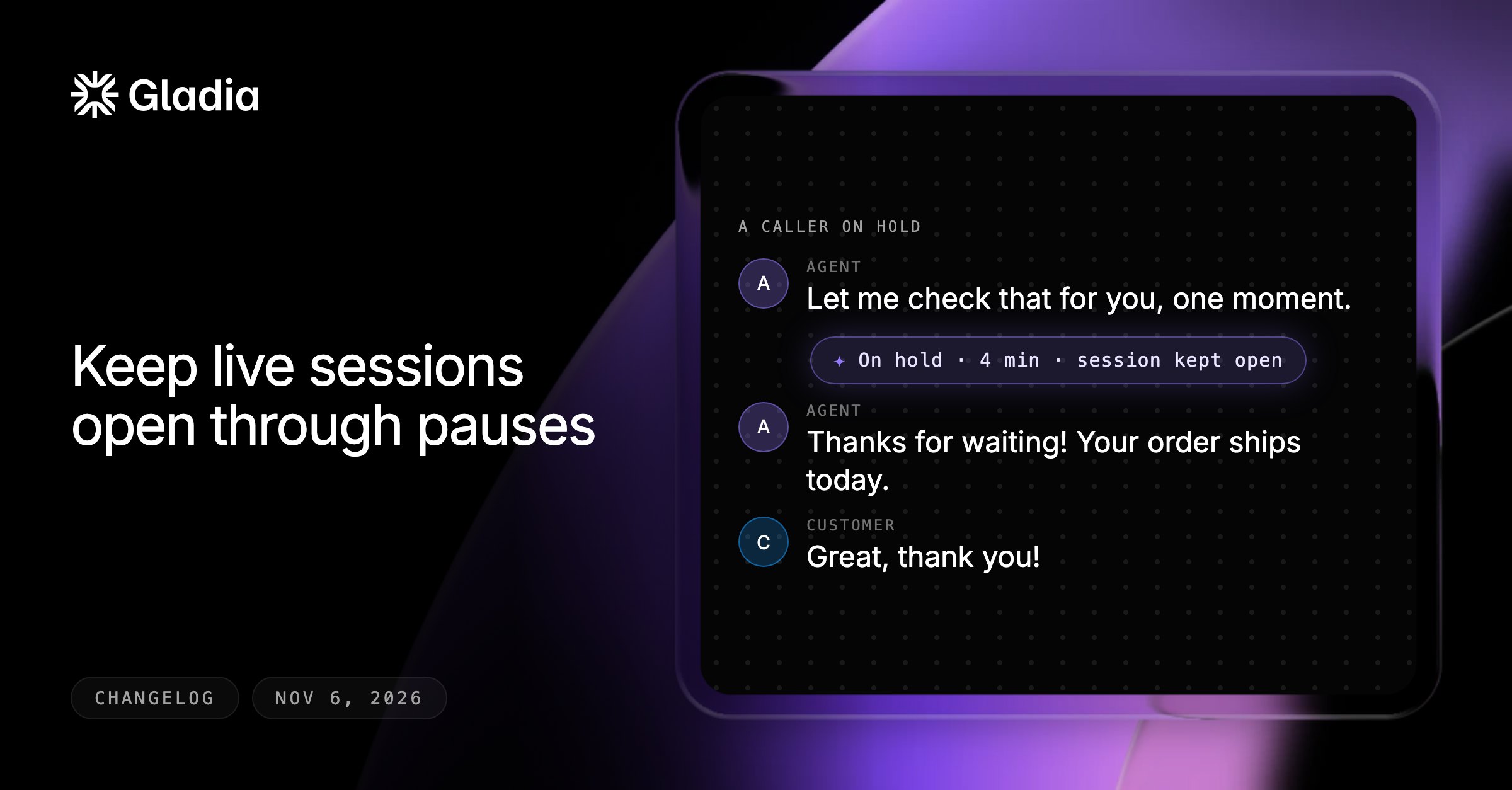
Calls on hold, muted participants and voice agents that talk back no longer cost you your session. Send a keep_alive message while no audio flows, and the session stays open and ready to transcribe for up to an hour, picking up the moment your user speaks again.
Press play: hear the call and watch Gladia transcribe it.
Caller
Hi, I'd like to move my appointment to Friday.
Agent
Of course, Friday at ten is free. Shall I book it?
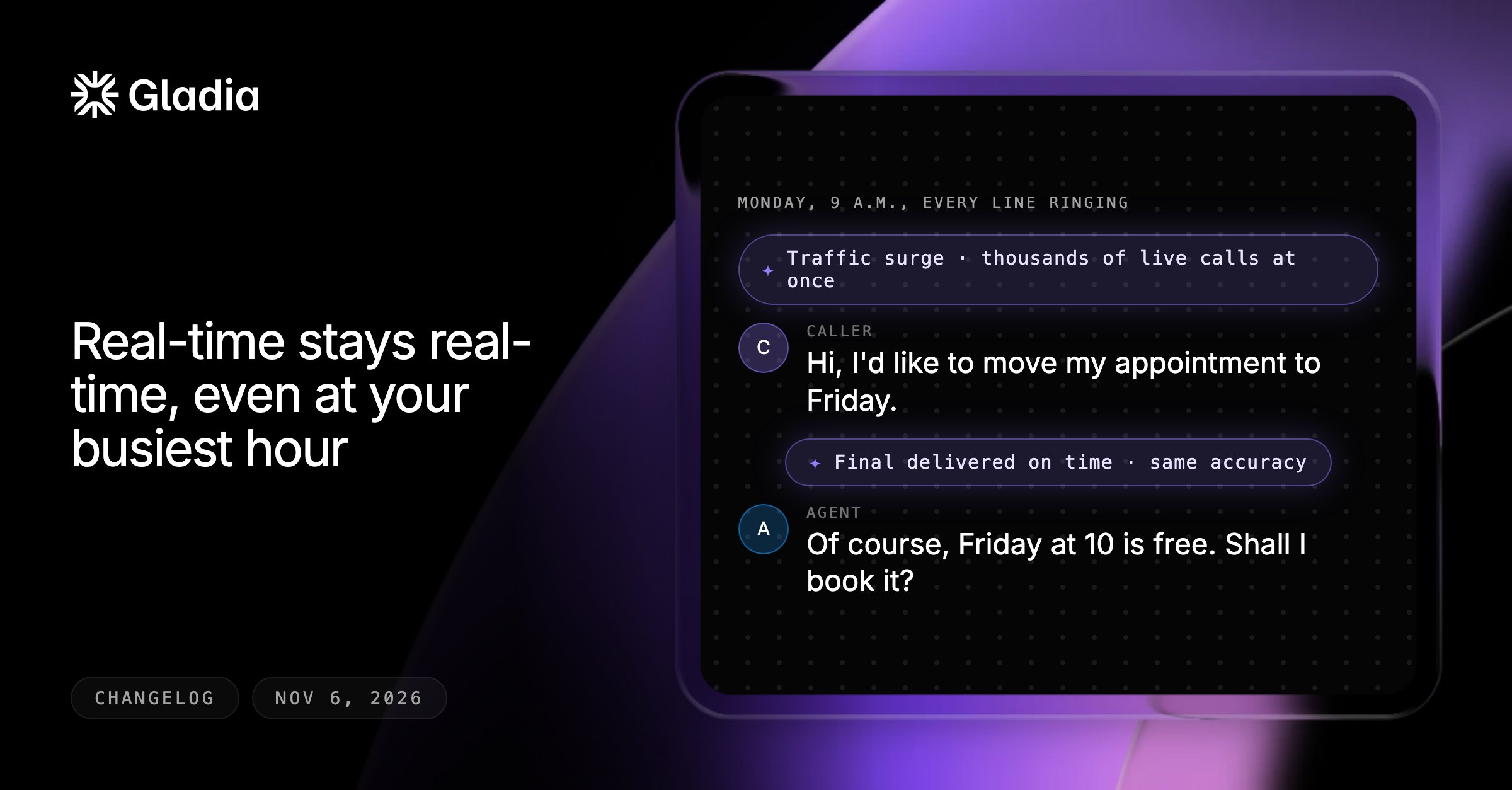
✦ Traffic surge · thousands of live calls at once
✦ Final delivered on time · same accuracy
The problem
Live voice products live or die by their busiest moments: the Monday-morning rush on a support line, a product launch, a broadcast everyone tunes into. That is exactly when speech recognition is under the most pressure, and when a voice agent that answers late or captions that drift behind the speaker cost you the most.
How Gladia solves it
We reworked how live transcription shares its work when many conversations run at once. Finals now arrive as fast at peak as on a quiet morning, with the same accuracy, and the platform absorbs traffic surges without you changing a thing.
Compared with the usual approach
Real-time speech services usually ask you to trade one for another: accept slower answers when traffic rises, or over-provision and pay for capacity you rarely use. Gladia keeps latency flat as the load climbs, so you plan for your users, not for your speech provider's limits.
In use
Your contact center opens on Monday and every line rings at once. Each caller's words reach your voice agent on time, it answers without a pause, and the live captions in your agents' screens stay in step with the conversation, from the first call to the thousandth.
How to use it
Nothing to turn on: every live session benefits, on every latency profile.
Keep the latency profile that suits your product: its speed now holds at peak.
Spelled letters, written your wayChoose with spelled_letters how a name or code spelled letter by letter is written (S M I T H, S, M, I, T, H, S.M.I.T.H., SMITH and more), the same on every model and however the speaker paused.
Right-to-left transcriptsArabic, Hebrew, Persian and Urdu transcripts now read right to left in Gladia Workspace and the playground.
↑ Improved 4
Dictation that stays wholeSpoken e-mail addresses, customer codes and spelled names now come back in one piece, even when the speaker pauses halfway.
No more waiting at quiet hoursWhen your preferred latency profile is asleep, a live session now starts at once on the nearest available one while yours wakes up.
Clear answers when a language is not availableA refused session names the models that transcribe the language, with a stable code such as language_unavailable your application can act on.
Documentation made for youThe docs show only the products available to you, and a new page helps you choose between live and pre-recorded transcription.
Press play: hear the call and watch Gladia transcribe it.
Caller
Hello. Sorry. Could we continue in French?
Agent
Bien sûr, je vous écoute.
Caller
Parfait. Merci beaucoup. C'est au sujet de ma facture.
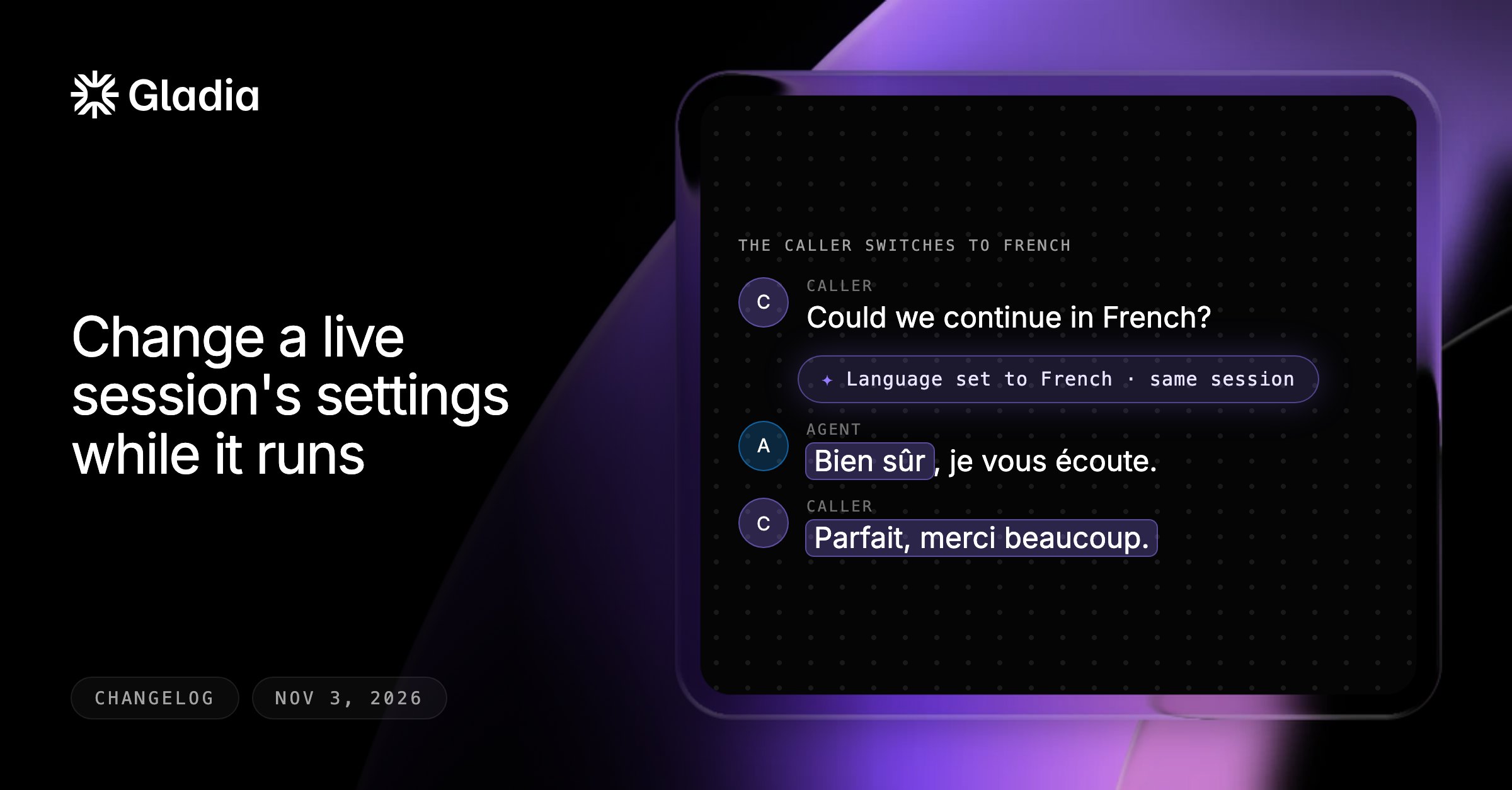
✦ Language set to French · same session
Conversations change course, and now your live sessions can too. Switch a session's language, custom vocabulary, context or redaction while it runs, without closing the WebSocket or opening a new session. The new settings apply from the last final, so nothing is lost. Allow it with session_config when you create the session.
Rate any transcriptionMark a live session or a pre-recorded job as good or bad, with a comment, from Gladia Workspace or the API, and filter your history by rating to find the ones to look at.
↑ Improved 2
Long recordings, several times fasterA one-hour file now comes back in seconds, speaker diarization included.
Steadier connectionsBrief network stalls no longer end live streams or pre-recorded jobs.
Press play: hear the call and watch Gladia transcribe it.
Customer
Hi, I'd like to change the delivery address on my order.
Agent
Of course, what's the new address?
Customer
Twelve Rue de Rivoli in Paris.
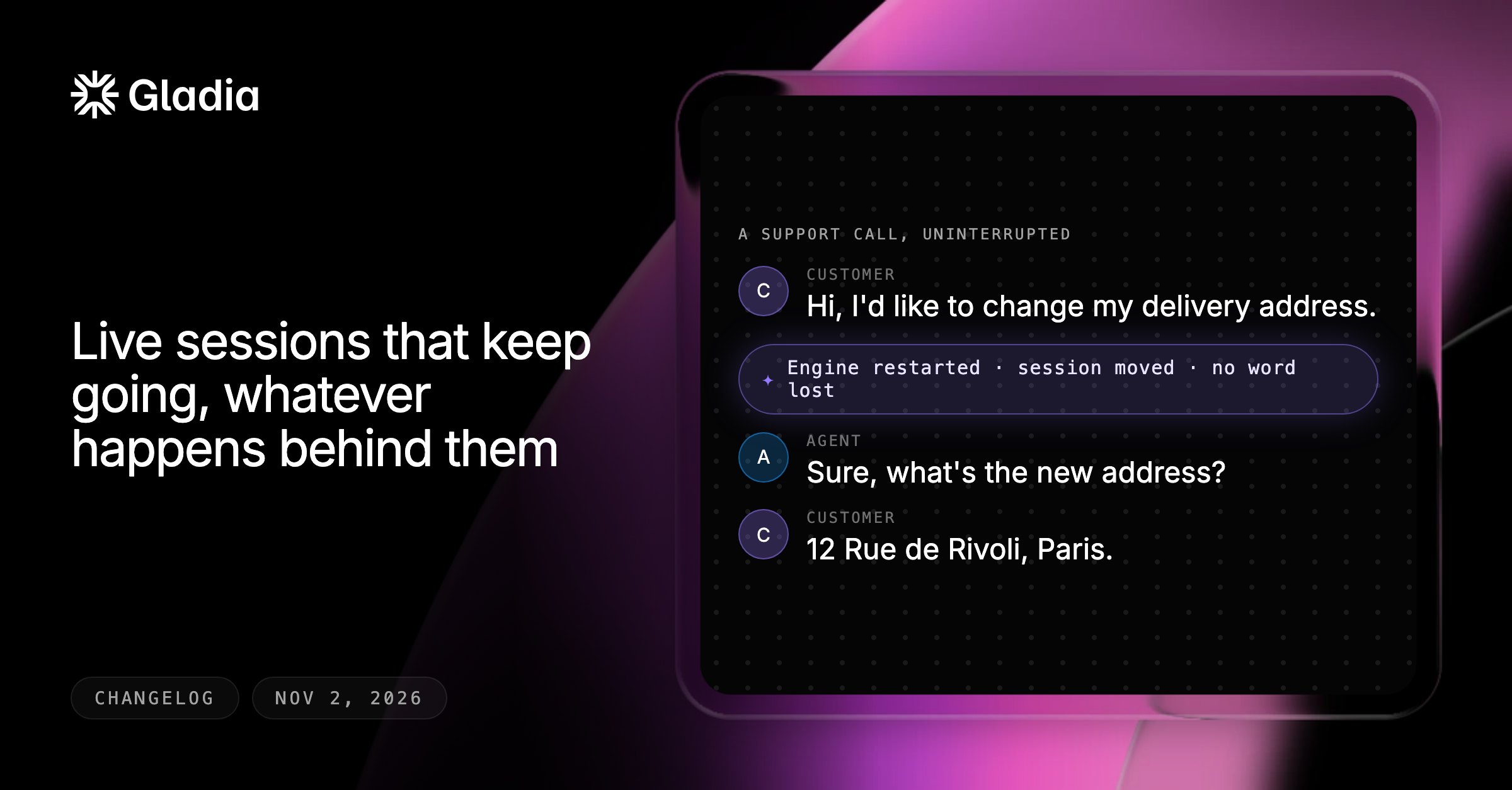
✦ Engine restarted · session moved · no word lost
A live call should never end because of something your user cannot see. If an optional feature fails mid-session, transcription now goes on without it instead of ending, and if the engine serving a session restarts, the session moves to a healthy one. Your users keep talking, your transcript keeps flowing.
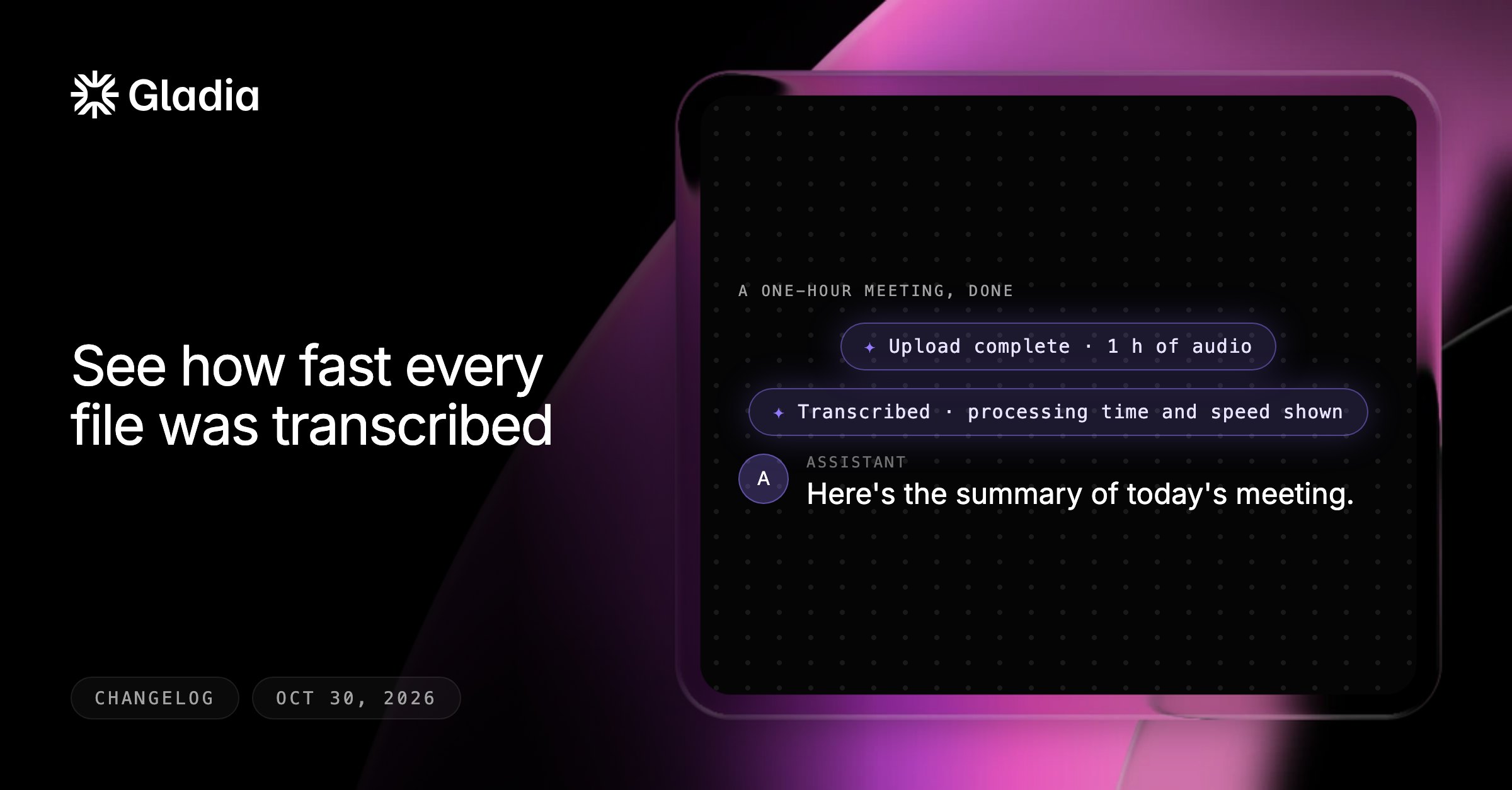
Every finished pre-recorded job now tells you how long it took, from upload to result, and how fast it ran (rtfx: seconds of audio transcribed per second of processing). Find them in the API and in Gladia Workspace, on each transcription and in the list.
Files up to 1000 MBThe API and the playground take files up to 1000 MB, and your administrator can set your workspace's own limit; more uploads can run at once.
↑ Improved 3
Dropped calls keep their audioA live session whose connection dropped for good keeps its recorded audio.
Find anything fasterSearch in Gladia Workspace finds pages by everyday words.
Clear about what's comingPre-recorded options not available yet are refused at once and marked Coming soon.
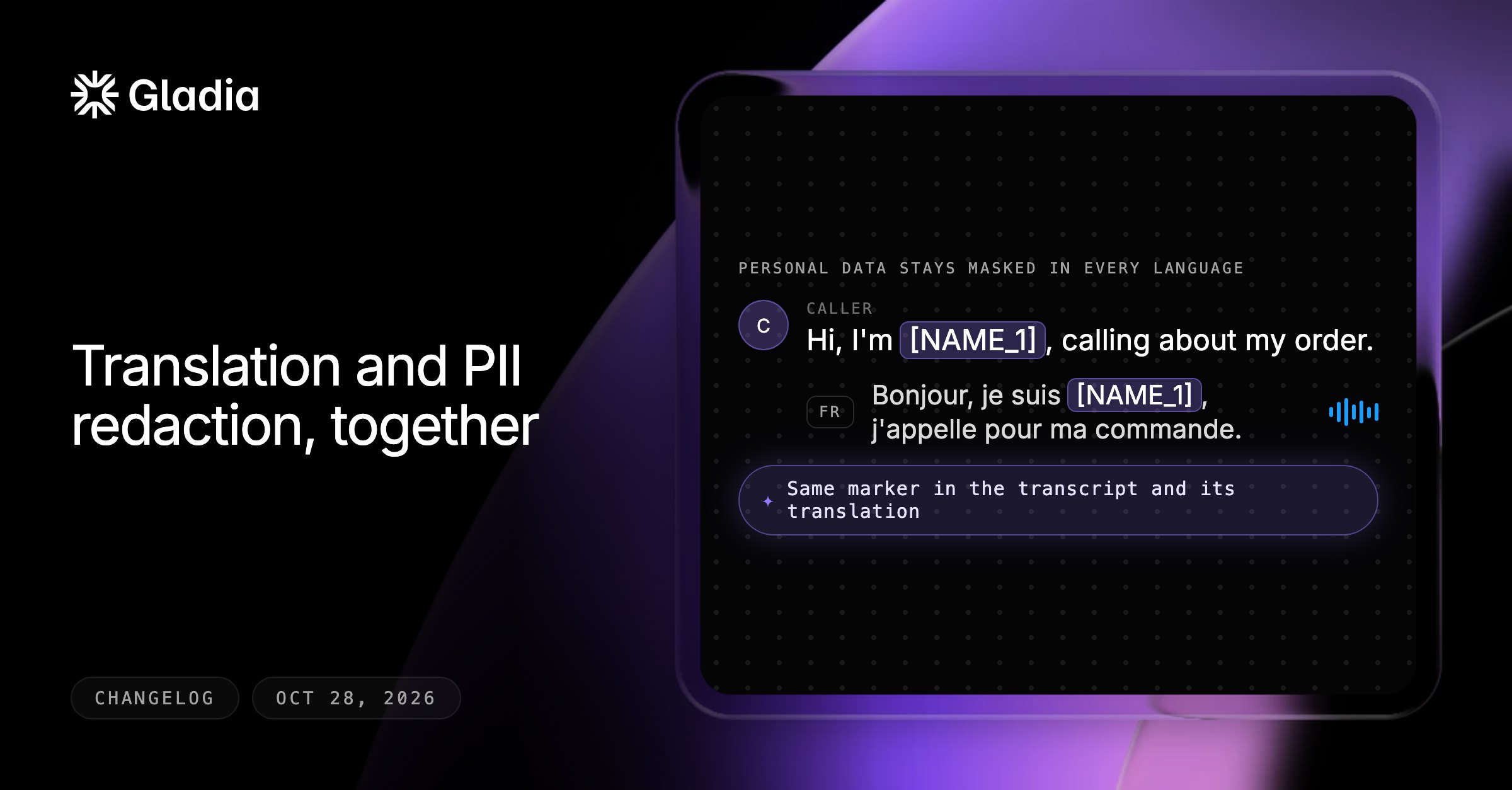
Translate a call and redact personal data in the same session, live or pre-recorded. Every translation is redacted with your session's settings, a person keeps the same marker in the transcript and in every translation, and a translation that cannot be fully redacted is never sent: personal data never appears in clear, in any language.
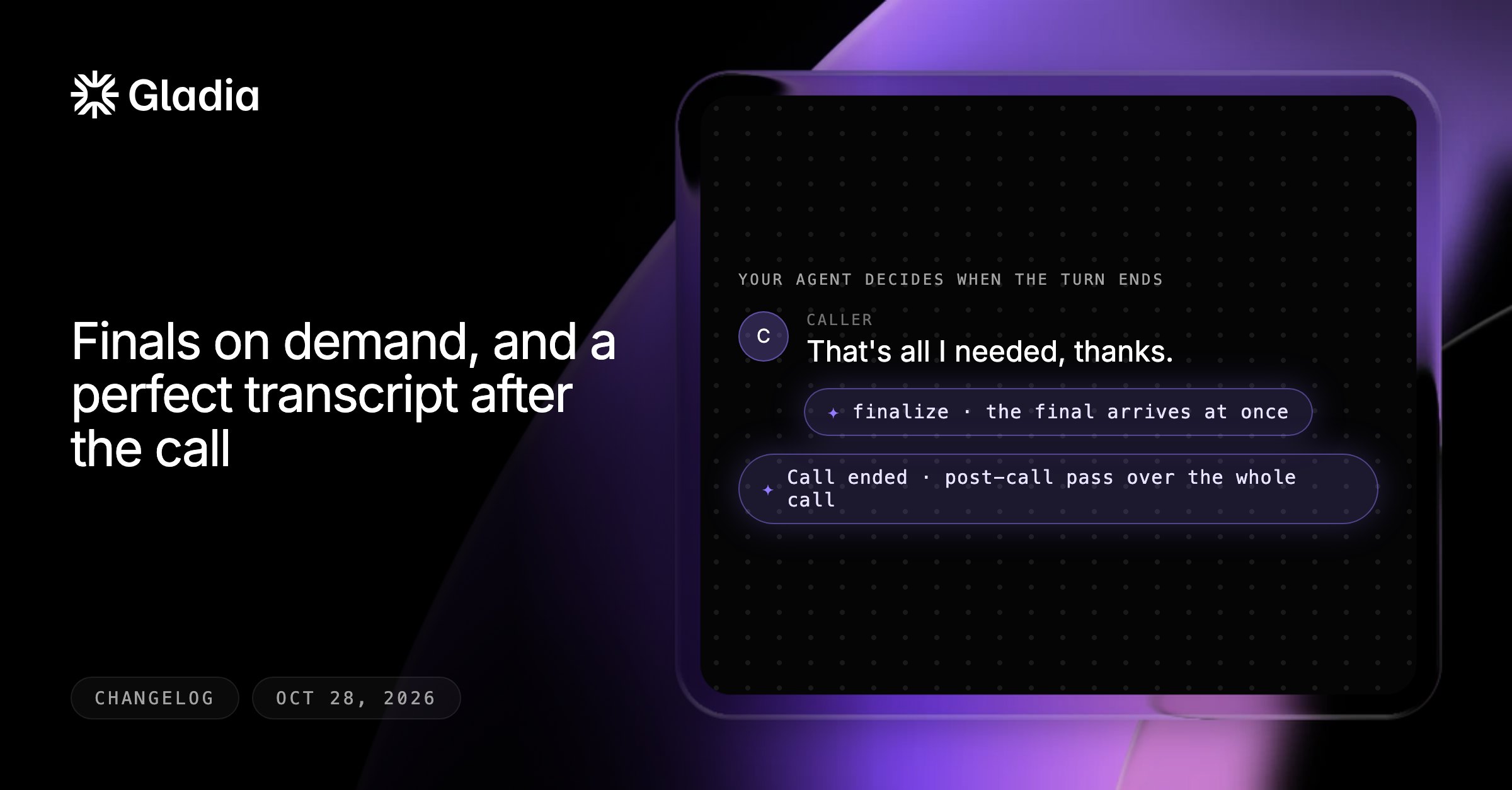
Voice agents that run their own voice detection can now send finalize and get the open utterance as a final right away, without waiting for the pause. And with finalization, once a call ends, its whole recording gets one more pass for better words and speakers. You can also transcribe any recorded live session again with from_session_id.
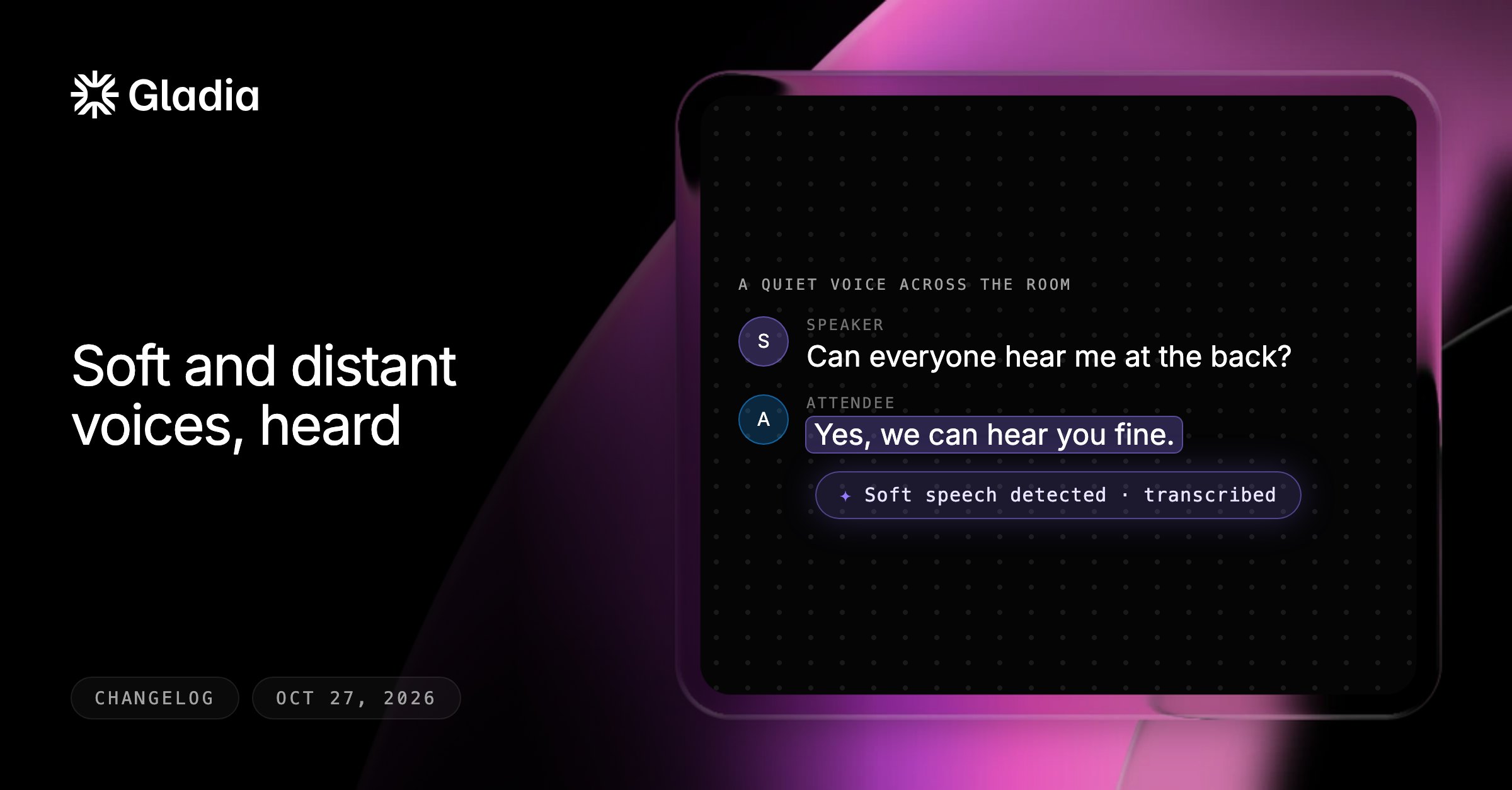
Not everyone speaks close to the microphone. Set speech_threshold to "auto" and the session adapts its sensitivity to each speaker: a soft or distant passage is checked, transcribed when it holds speech, and the session tunes itself to that voice, while noise and music stay silent.
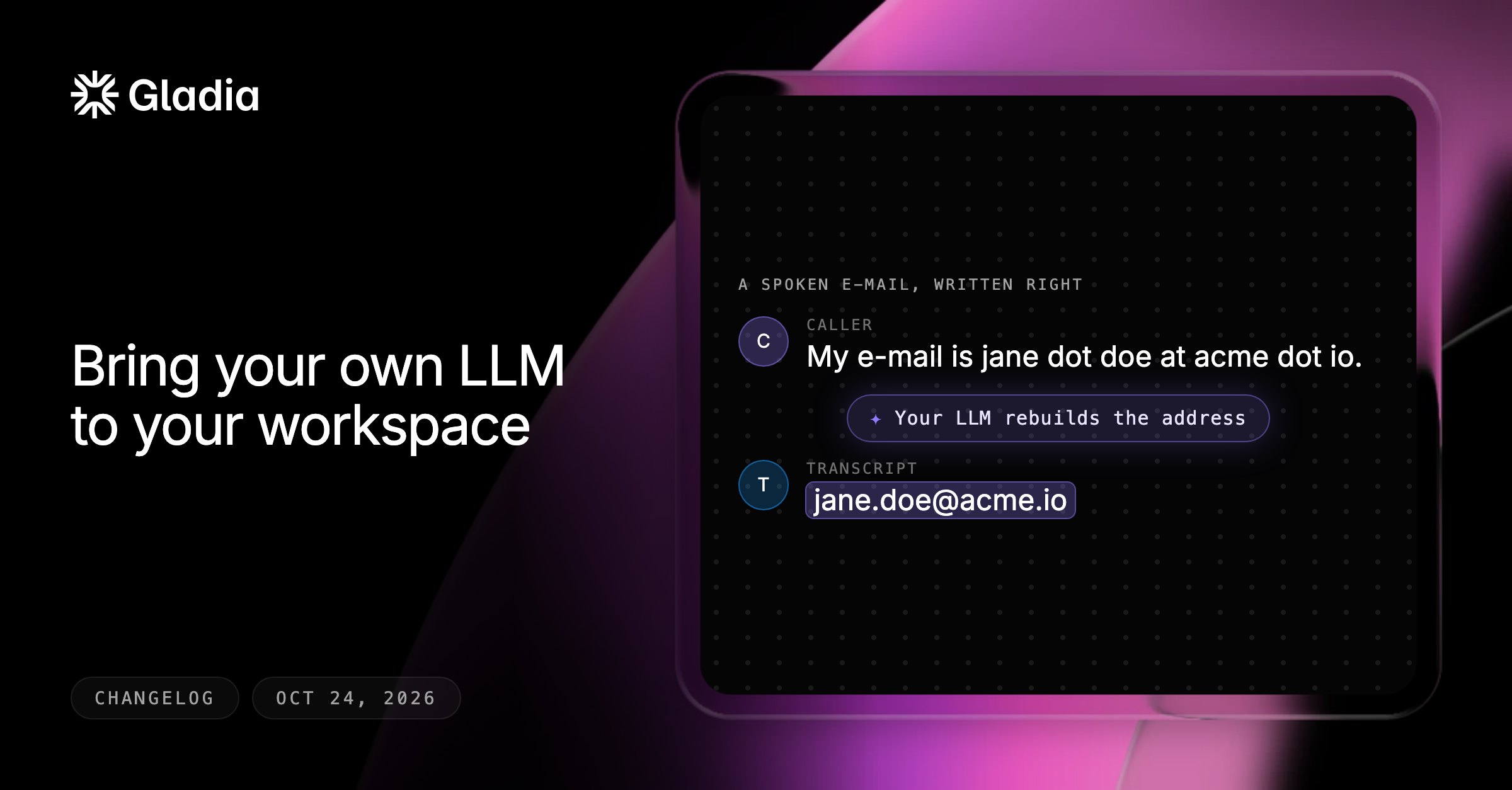
Workspace admins can now connect the LLM of their choice in Gladia Workspace, under Settings, then test it in one click. Live sessions use it to rebuild the e-mail addresses people spell out loud, so "jane dot doe at acme dot io" comes back as a real address. Your key is never shown again once saved, and every change is recorded in the audit log.
Also in this update
↑ Improved 4
No more phantom wordsA live session with a forced language no longer writes an invented "yes" over background noise.
Exports keep their speakersTranscript exports keep the speaker of every line.
A workspace deleted is a workspace goneDeleting a workspace removes its history, meeting accounts and signed-in sessions at once.
A more polished WorkspaceClearer keyboard navigation, screens that fit a phone, one date format everywhere, and a confirmation before anything is deleted.
Press play: hear the call and watch Gladia transcribe it.
Caller
Hello. Can you hear me?
Caller
Ah, je préfère continuer en français.
Agent
Bien sûr, je vous écoute.
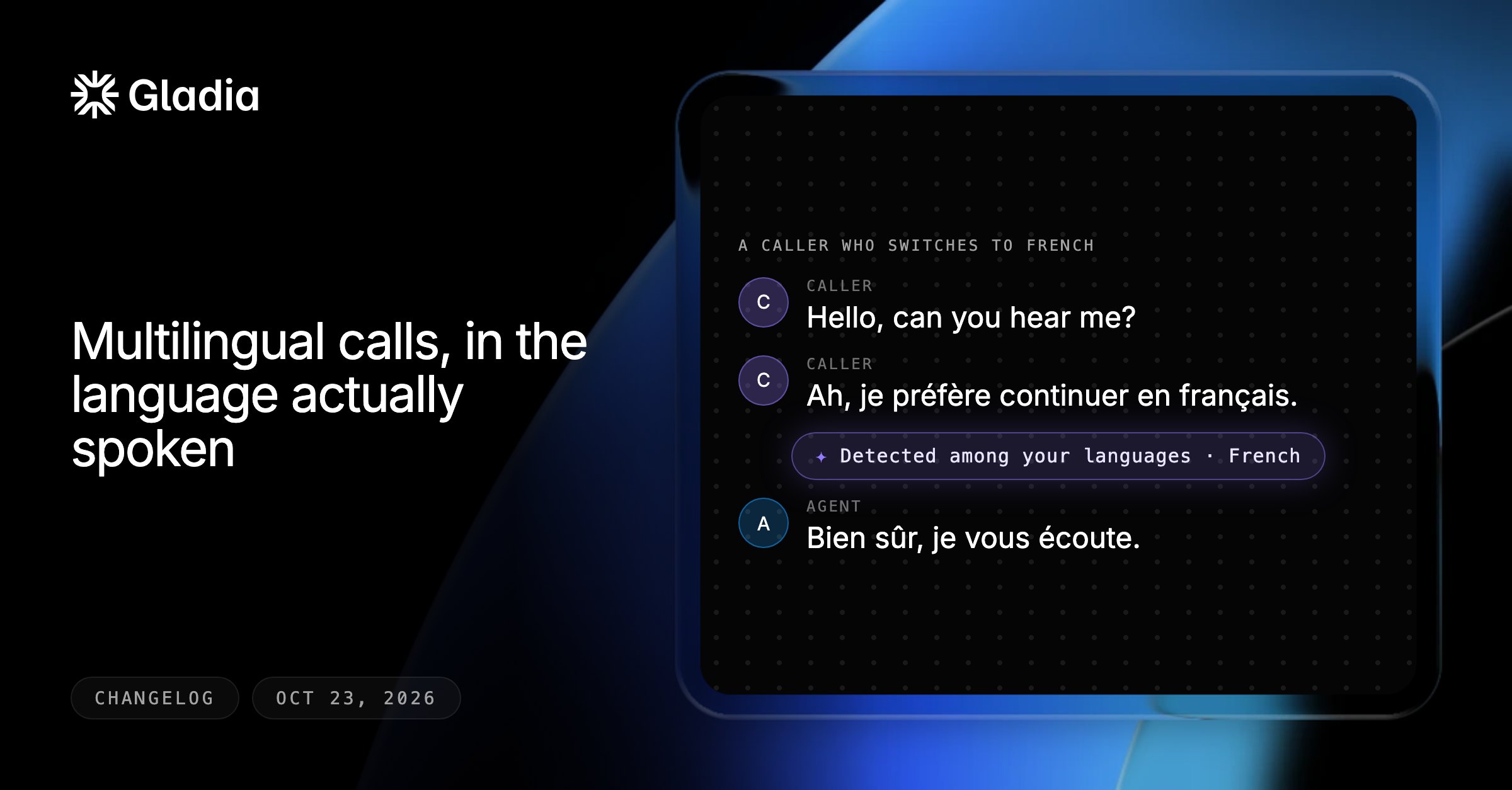
✦ Detected among your languages · French
List the languages your callers may speak, and each session is now routed to a model that detects among exactly those languages, keeps the language of the first full sentence, and never loses speech or timing when the language changes. Your transcripts come back in the language people actually spoke.
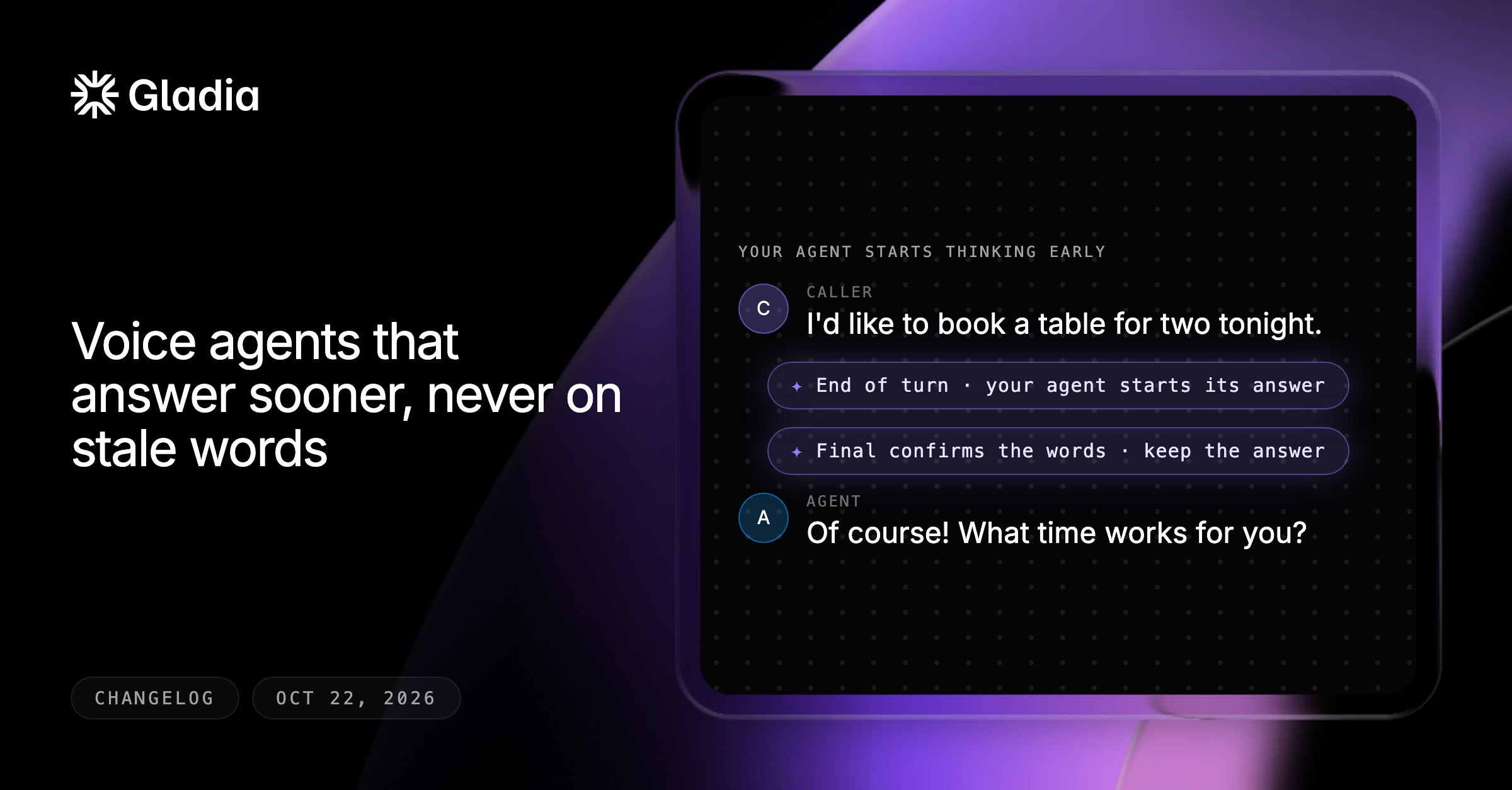
Every millisecond of silence makes a voice agent feel slow. With end-of-turn speculation, your agent starts its LLM answer as soon as the caller stops talking, using the turn's text. When the final transcript arrives, Gladia tells you whether to keep that answer or recompute it, so you gain the time without ever answering words the caller did not say.
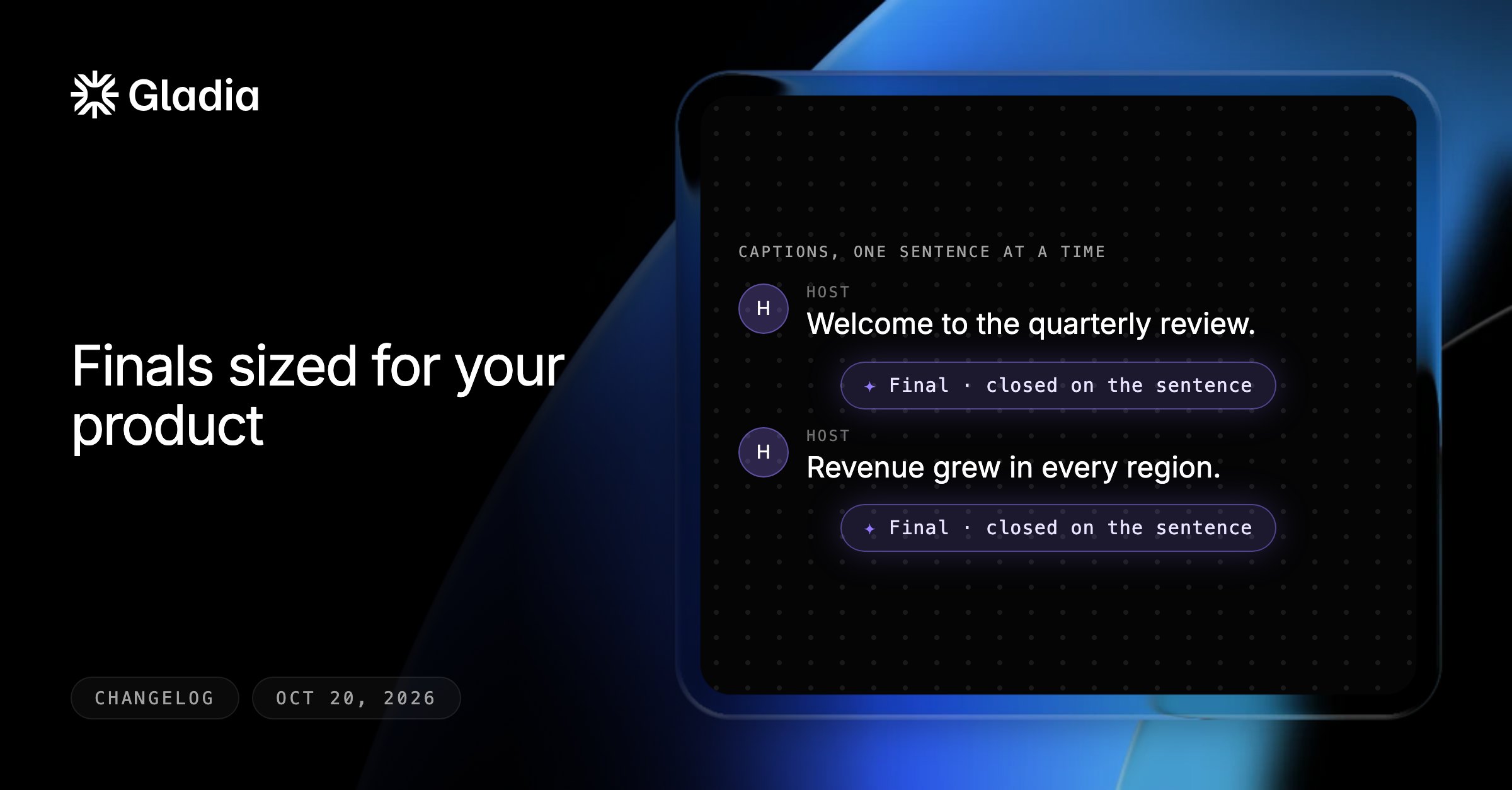
A voice agent wants the whole turn, captions want each sentence. Choose with finals what closes a final transcript: the speaker's turn, the sentence, either one, or the endpointing pause alone. Sentence-sized finals also keep the audio your client holds to a few seconds while people talk.
Reveal your Default API keyThe owner of the personal Default key can show and copy it from the API Keys page at any time; each reveal is recorded in the audit log.
Pick a latency profile in the playgroundThe real-time playground offers the latency profiles and languages your model actually serves.
↑ Improved 2
Several languages, detected properlyA session listing several languages now detects among them instead of sticking to the first one.
Each member sees their own workA Member's API key reaches only the transcriptions that Member owns.
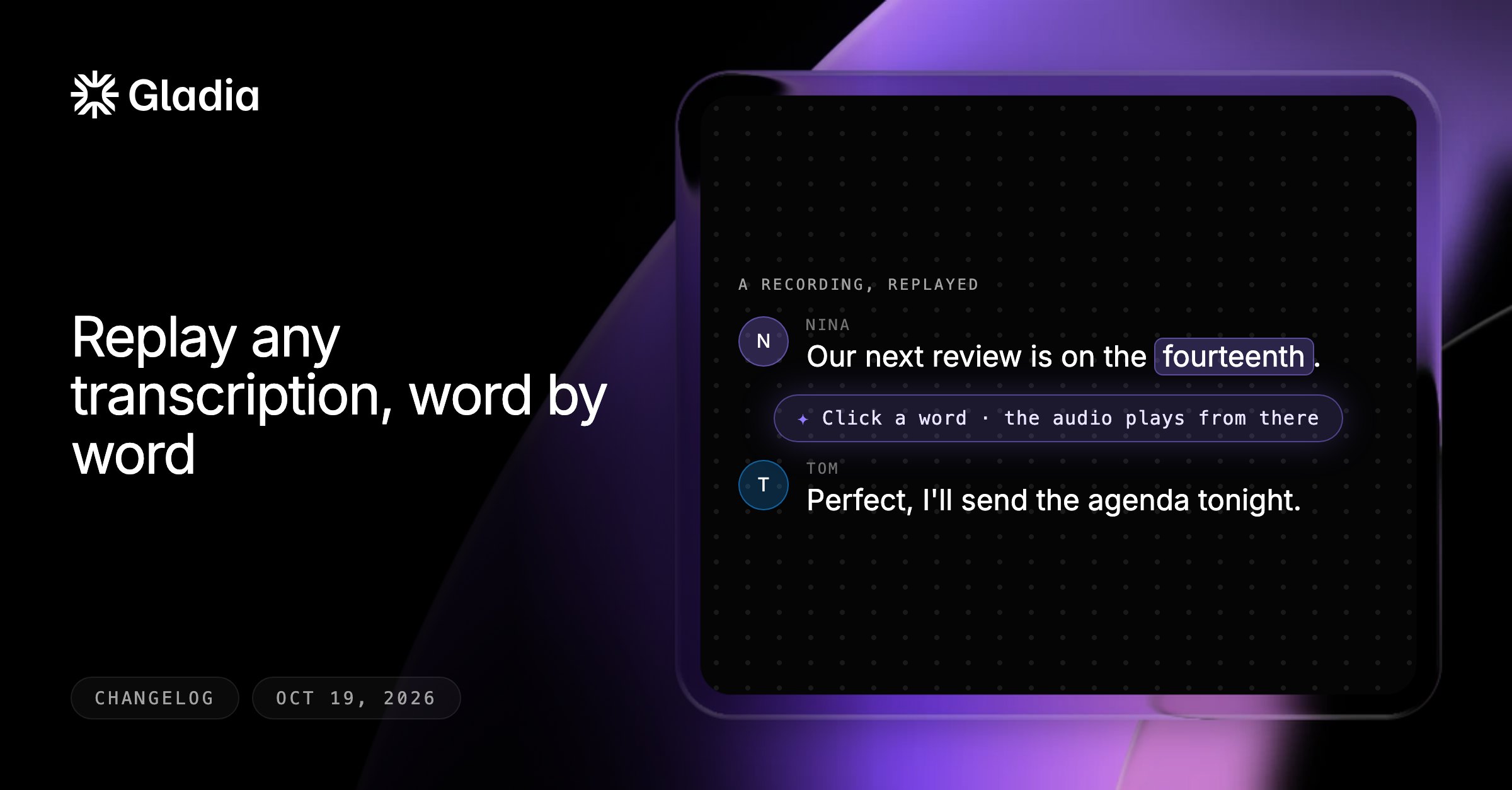
Every transcription in Gladia Workspace, live or pre-recorded, now plays along with its audio. Each speaker has their own colour, the word being said lights up as it is spoken, and a click on any word plays the recording from there. Checking a name, a number or a quote takes seconds.
Also in this update
↑ Improved 5
Nothing lost when a session failsA live session that fails now returns the text it transcribed before failing.
Every session at a glanceGET /v2/live now lists sessions still queued or processing, and filters them by status; every session and job carries its own short request_id.
Clearer errorsA refused live session names each problem once, with the field names you sent, and the playground explains what happened.
Faster finalsOur most accurate live model sends its finals sooner.
Workspace on your phoneCreating an API key now works on a phone's screen.
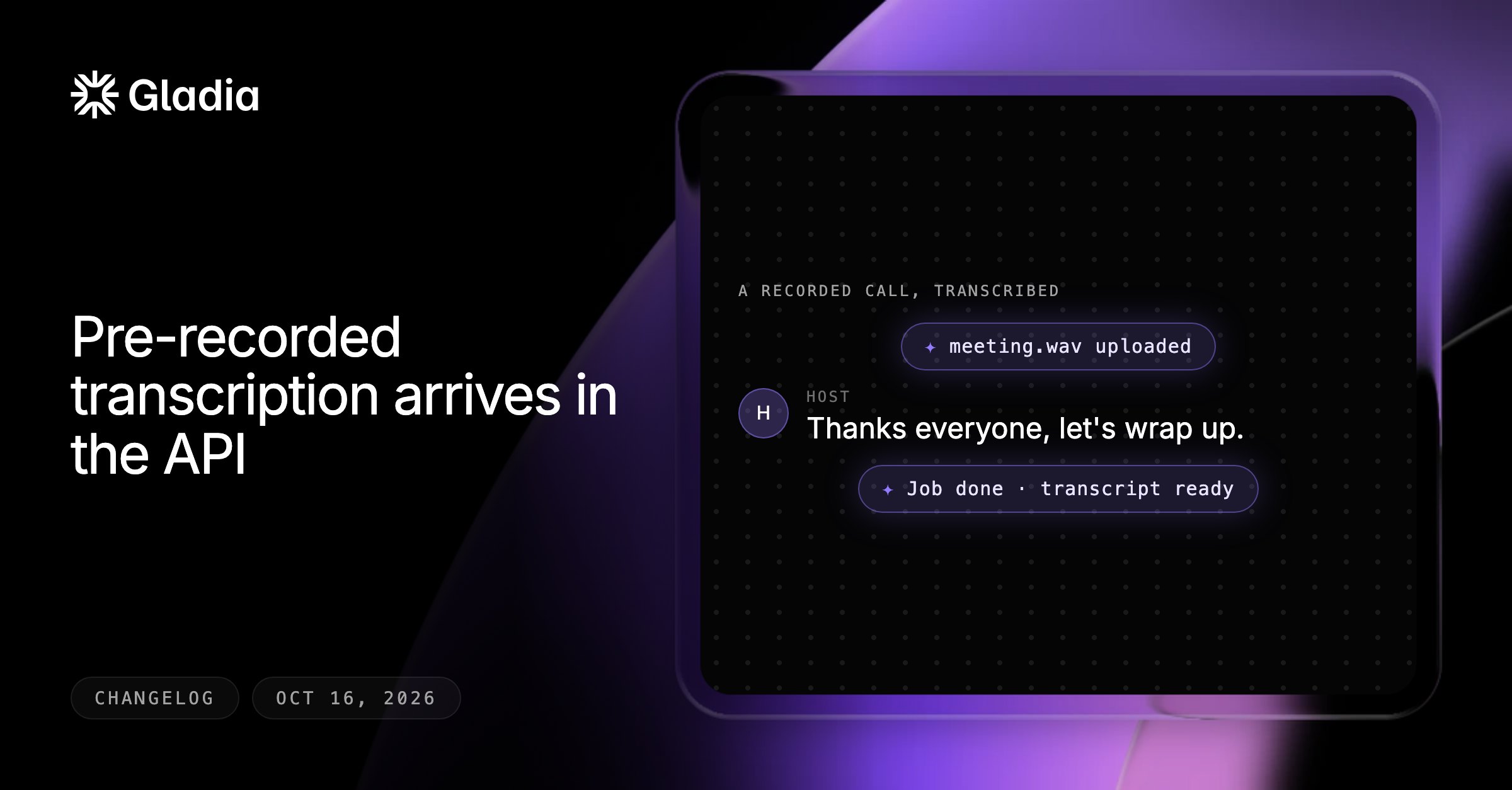
Send a file, get its transcript: POST /v2/pre-recorded transcribes recordings with speakers and add-ons, and the official Python SDK works unchanged. Upload a file or point to its address, then read the result or get it by callback.
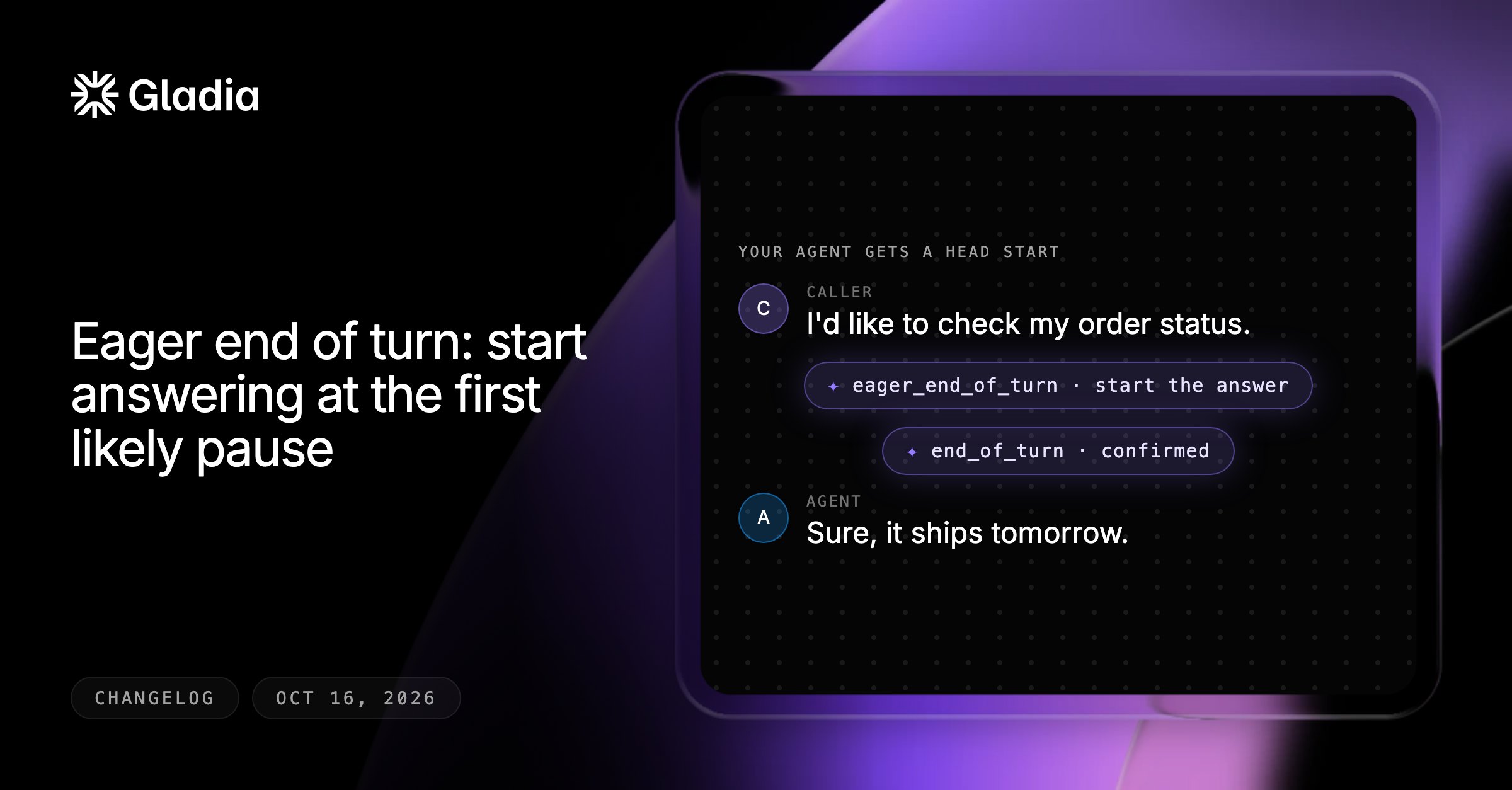
Voice agents can now start their answer at the first likely end of a turn. Set eager_eot_threshold and the session sends eager_end_of_turn at the first promising pause, then either end_of_turn to confirm it or turn_resumed if the speaker goes on, so you can cancel.
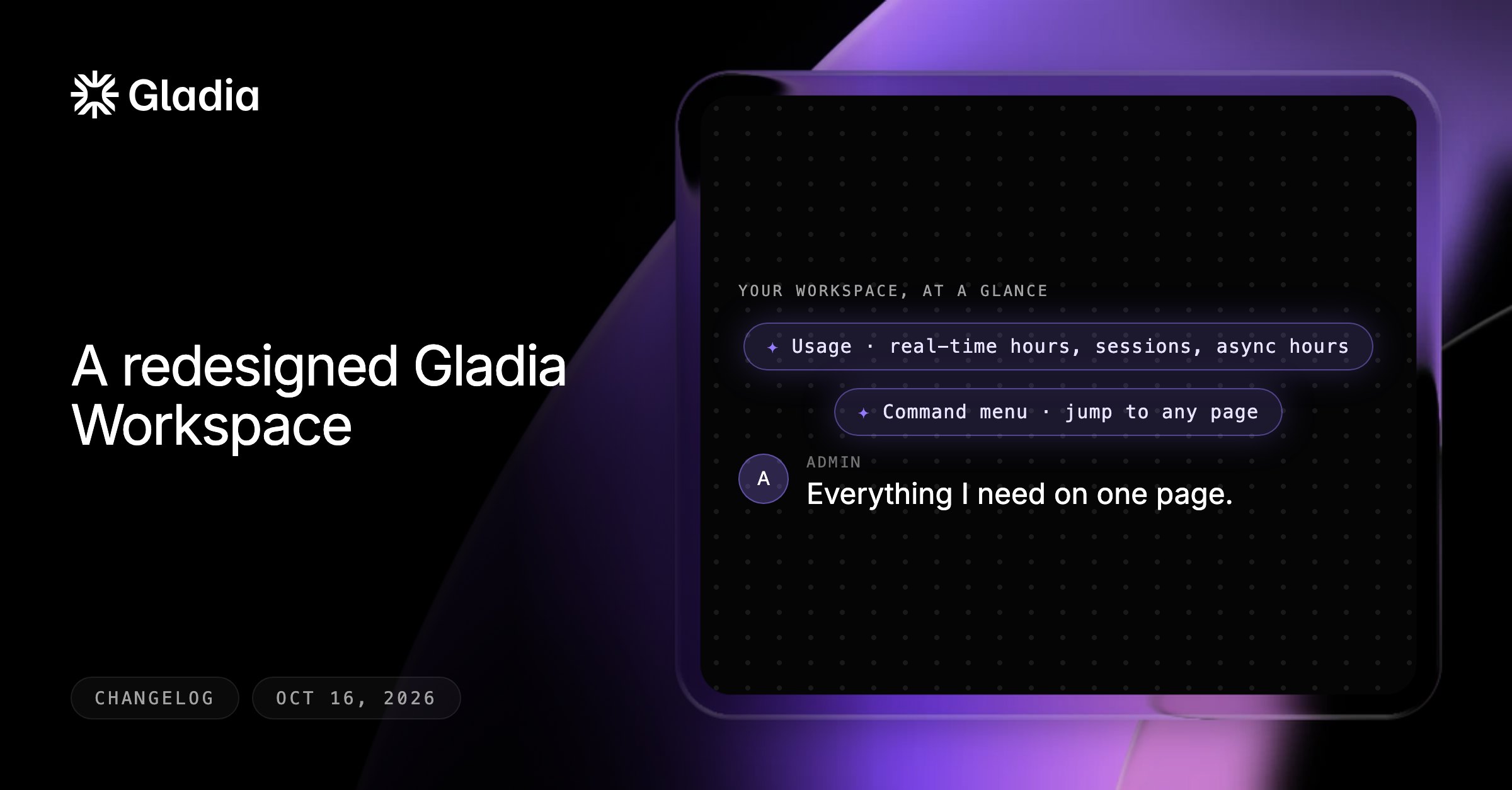
Gladia Workspace has a new look: the Gladia brand, media cards for real-time and pre-recorded transcription on the Overview, four summary cards on the Usage page, and a command menu that jumps to any page.
Also in this update
↑ Improved 2
Numbers written the way people read themWith numerals on, clock times, phone numbers and dates are written the language's way, and a price said without a currency takes the caller's.
Typos caught, not ignoredA request with an unknown field, a wrong type or a value outside its list is refused with a 400 that names the field.
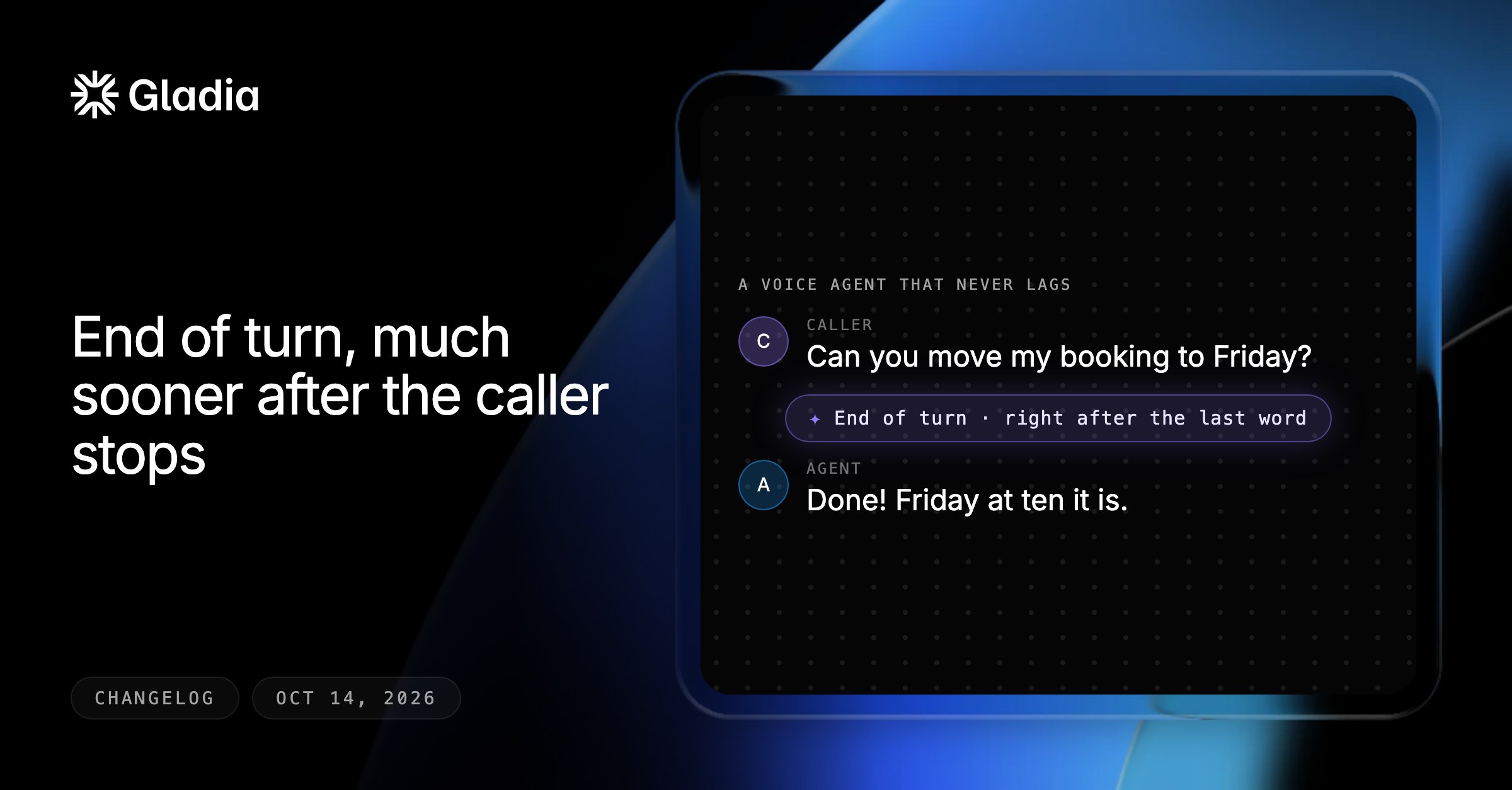
A voice agent feels human when it answers right after you finish. End of turn now listens to the audio far more often and tells speech from silence with a dedicated voice detector, so your agent learns the caller is done much sooner, and the final transcript follows right after.
Workspace Owners and Admins can now buy credits by card from Settings, Billing: pick an amount or enter your own, pay, and see your balance update, with a warning before it runs out. Sessions paused for lack of credits open again on their own, and a new Billing Admin role lets the right person manage it all, without asking anyone.
Also in this update
✦ New 1
API documentation everywhere you areGuides, the API reference, a Try it panel and a microphone playground, with examples already pointing at your API address.
↑ Improved 2
Faster words on screenPartial and final transcripts leave the moment the audio completes them, with no wait in between.
Each member sees their ownMembers see only their own transcriptions, and workspace-wide keys are reserved to Owners and Admins.